Microsoft
Copilot and Agents
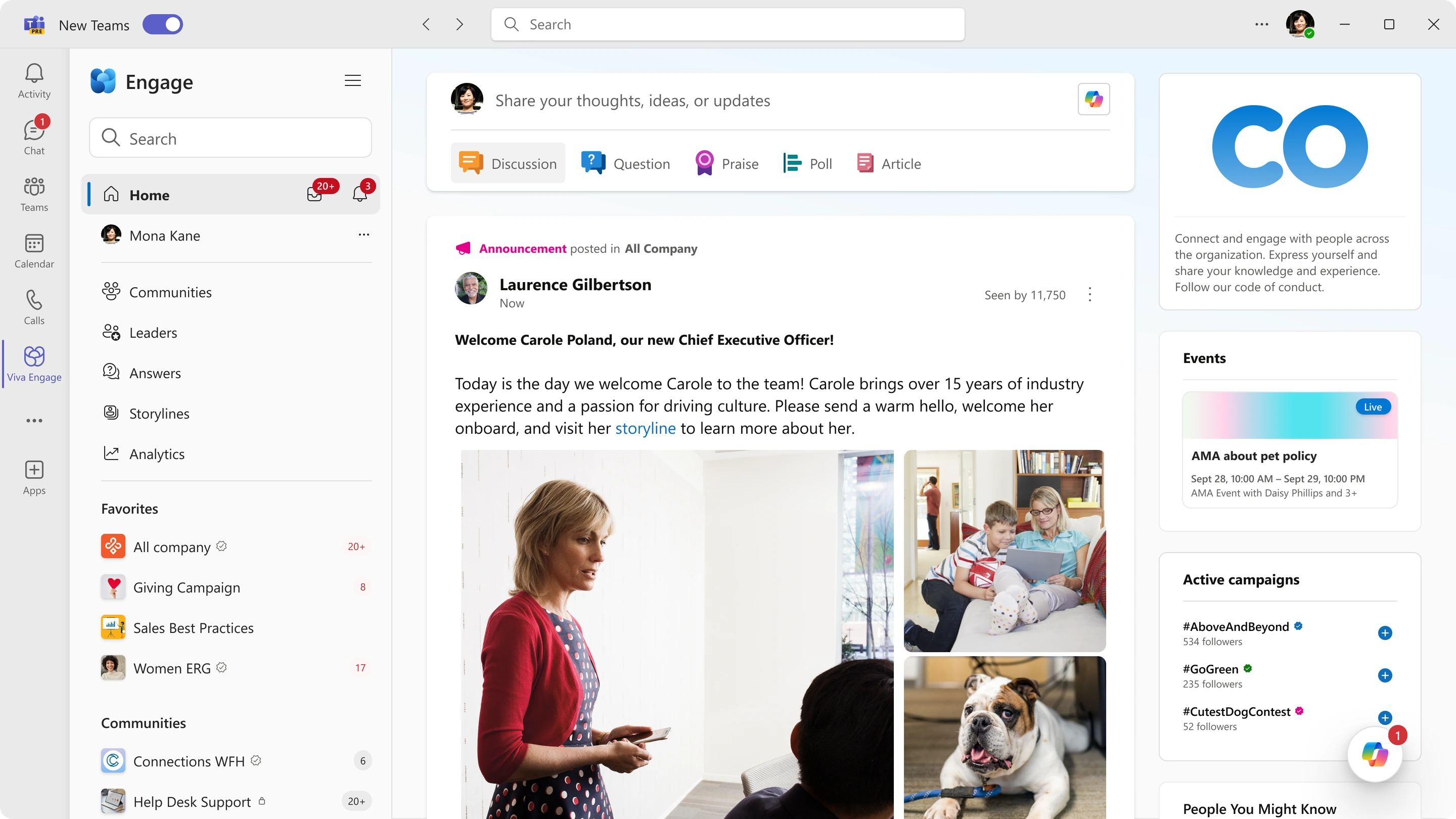
Copilot spans Microsoft’s 365 products, including Viva Engage, the company’s enterprise social network. I led the design of the integration in early 2023, just after Microsoft announced its partnership with OpenAI and before anyone had settled on paradigms for product-based AI. Within Engage, I designed the Copilot editor to address both issues, the proactive community agent that grew out of it, and finally the entry point that brought the two back together.
Fitting Copilot into the context
Engage brings together company announcements, questions, communities of practice, CEO town halls, and help desk requests. It is both a professional platform and a social space, which created two problems for us to solve.
People often hesitated to write for a broad, formal audience, even when they had something useful to share. At the same time, knowledge was siloed in communities, which meant certain users could miss helpful information simply because they were not part of the community where it was shared. This revealed two opportunities for Copilot: help people transform their thoughts into material they felt confident sharing widely, and assist them in surfacing knowledge from communities. In these early days, there were few established patterns for AI in products. Basic questions remained on the table: Should the interface be a chat? How should answers signal their limitations? What role should citations play?
So we started by making our assumptions explicit, documenting what we believed and where each assumption came from:
Then, drawing on that research and the emerging direction from Microsoft’s Responsible AI initiative, I led the team through a pair of workshops to cement the non-negotiables:
Helping people find the words
The first problem was hesitation. People had ideas and experiences worth sharing but were reluctant to translate them into posts to share across the entire company. An assistant that simply writes those posts would remove the friction, but also the person. We wanted to prevent a feed full of generated posts that nobody would trust or read.
To address this I designed Copilot in Engage to write alongside the person, not for them. It opens beside the composer, drafts a post, cites its sources, and then stops. Nothing reaches the post until the person presses Add to post. A plain note flags that AI-generated content may be incorrect, and thumbs up and down provide feedback. These may look like obvious guardrails now, but in early 2023 they were choices we had to argue for. The follow-up prompts reinforce the principle. Rather than offering to write another draft, they return the writer to their own experience: How can I add a personal example? The goal is to help someone get past the blank composer while keeping their perspective and judgment at the center.
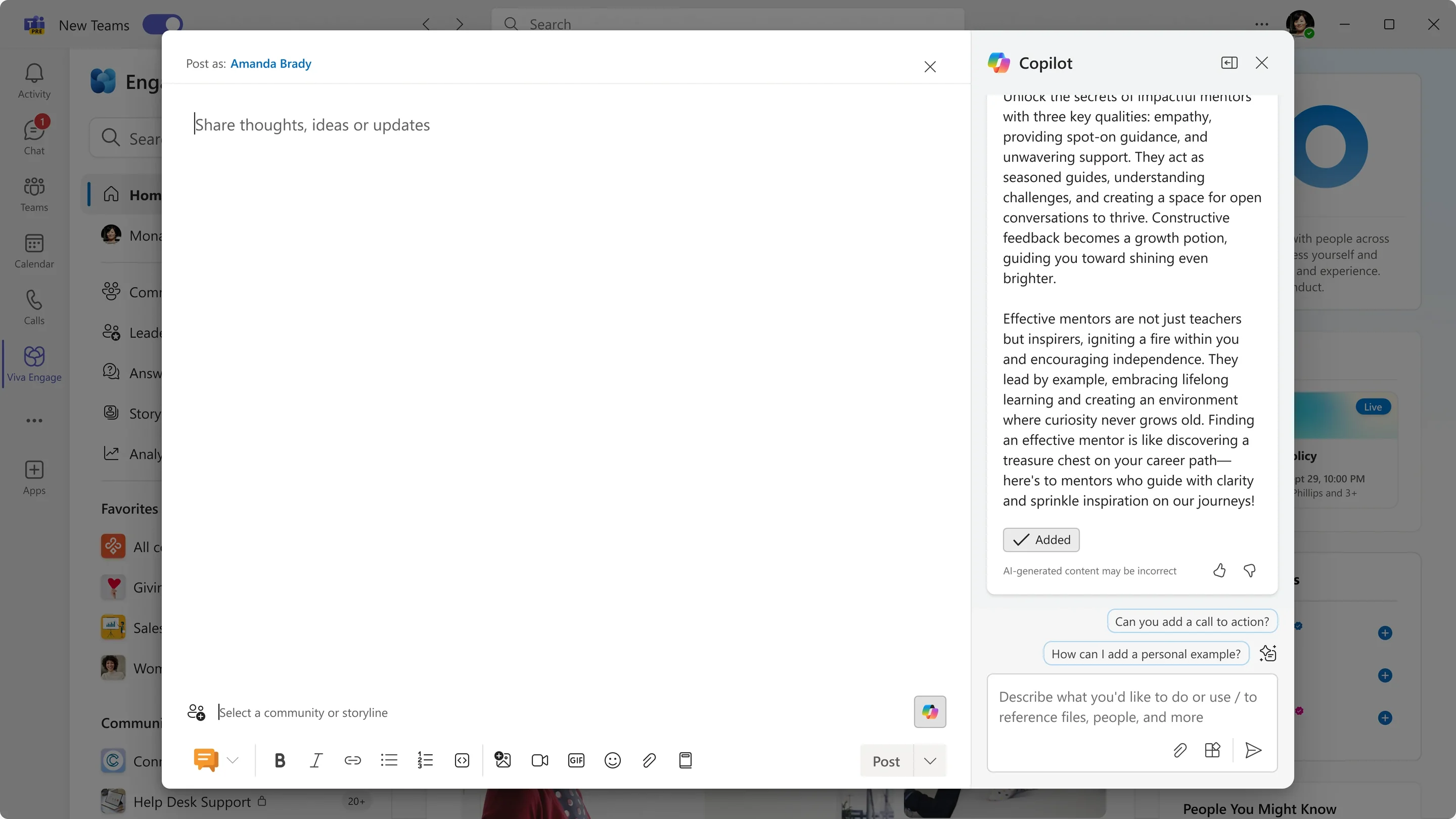
Intentional action to accept AI-generated content
Ever-present guardrails for AI usage
Personalized opportunities for iterating on conversation and content
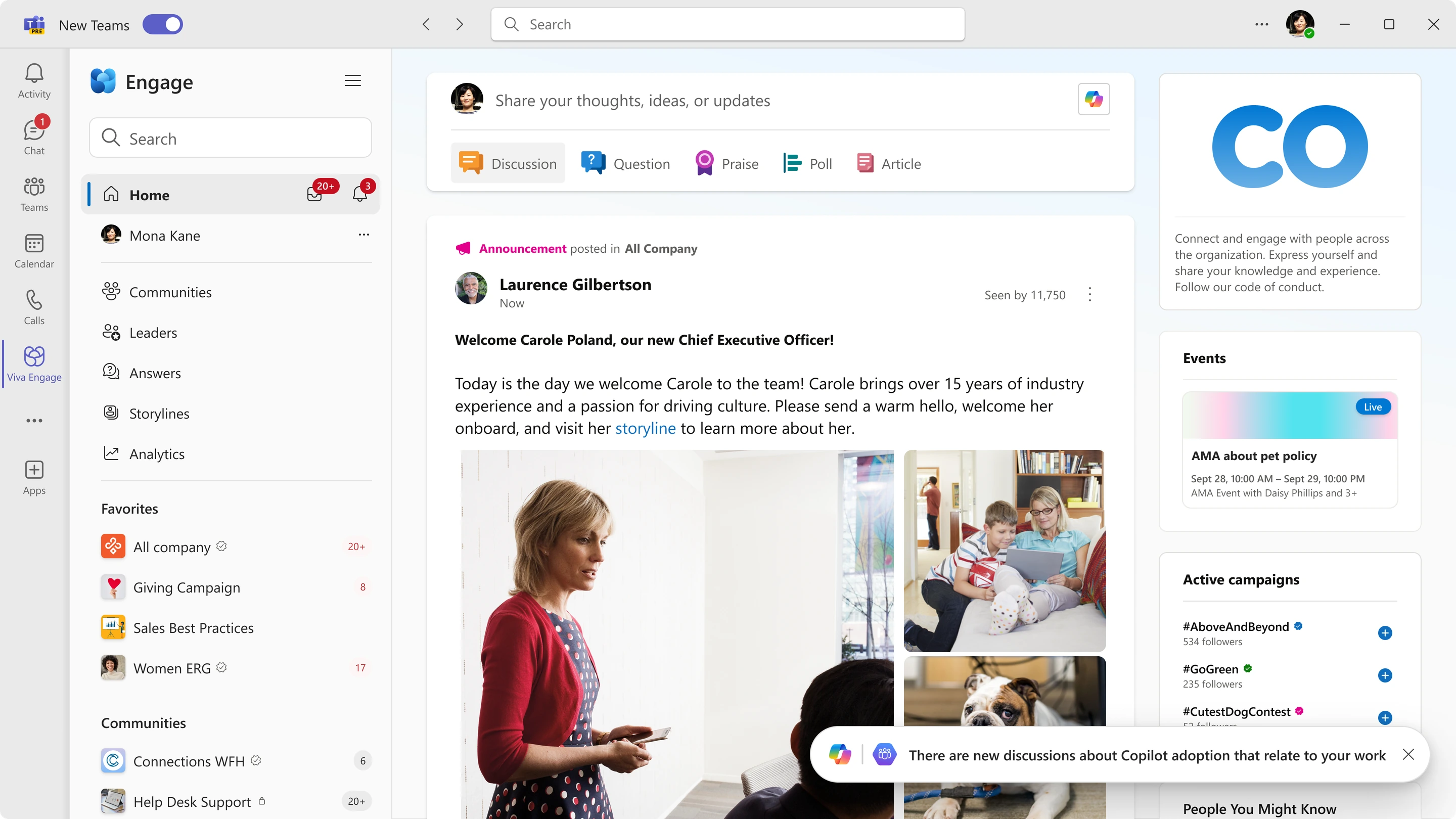
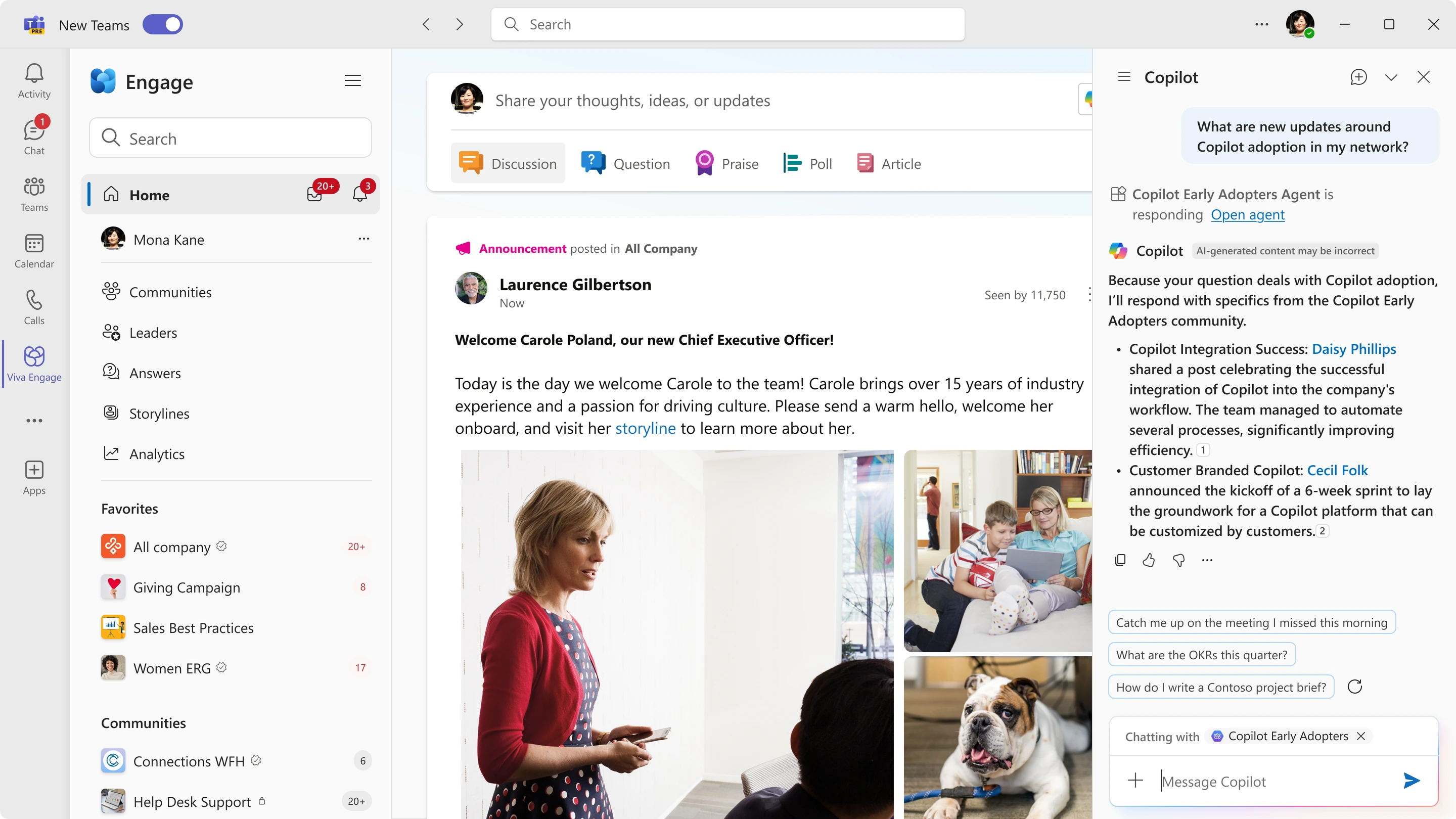
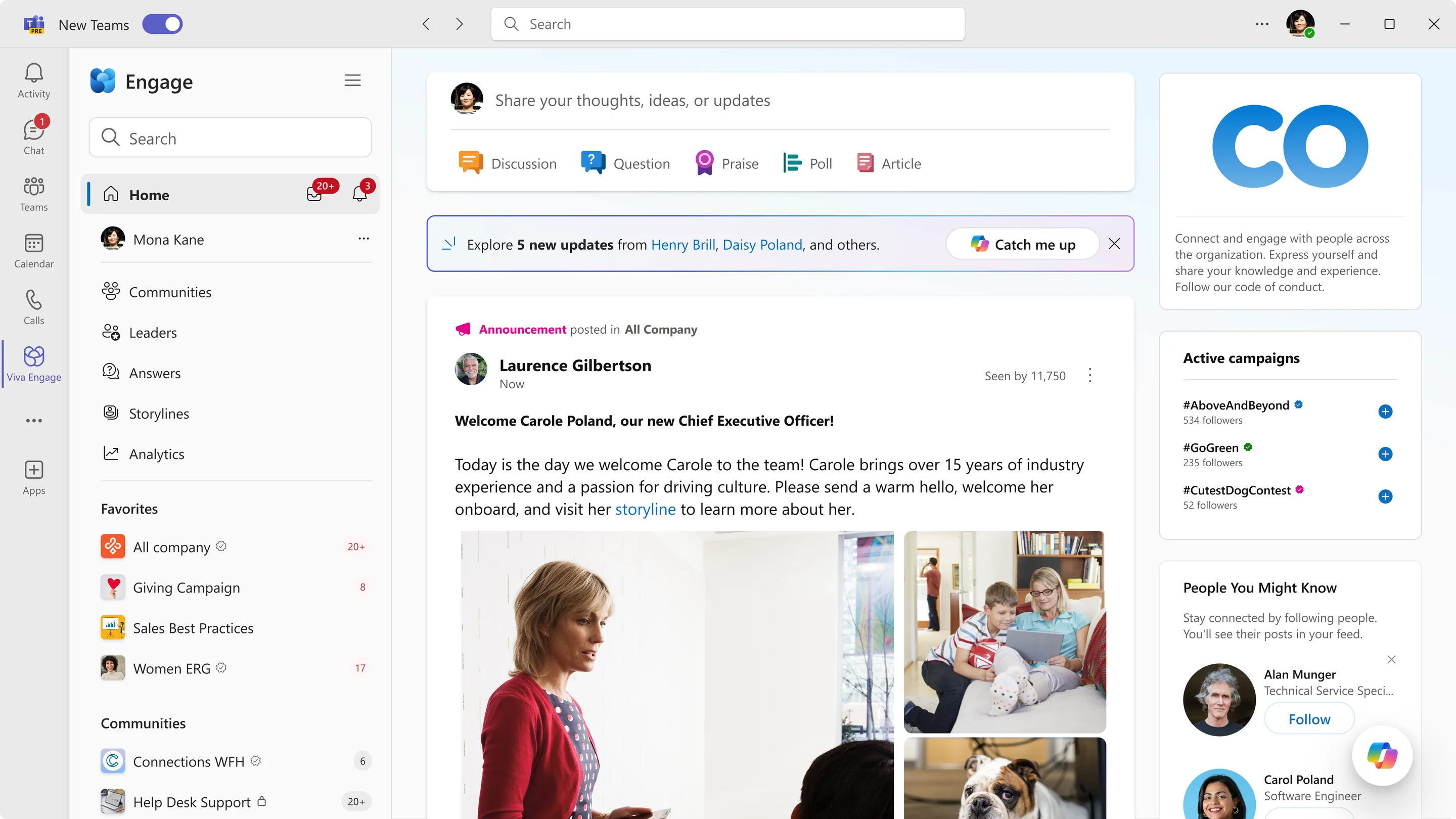
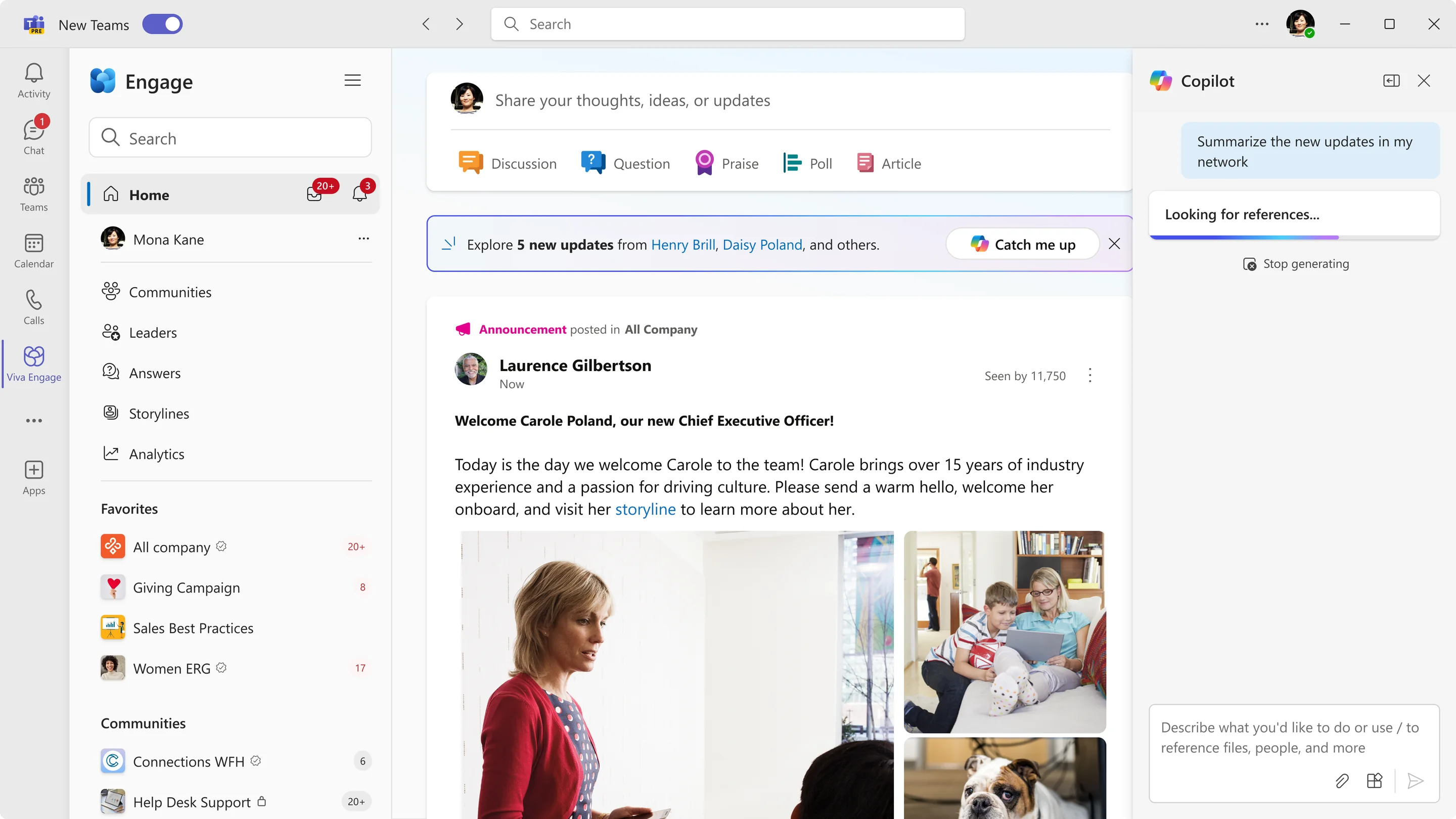
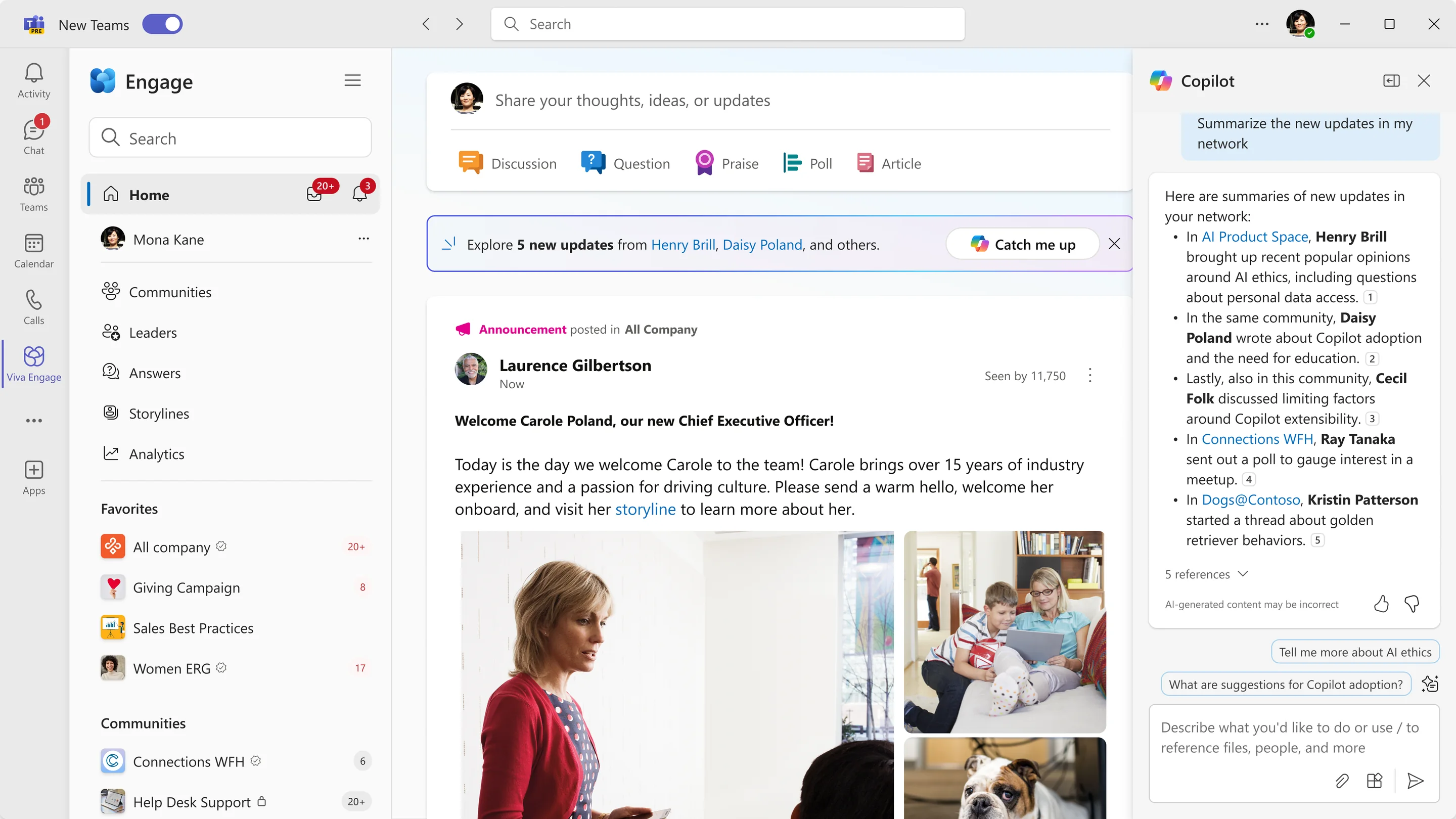
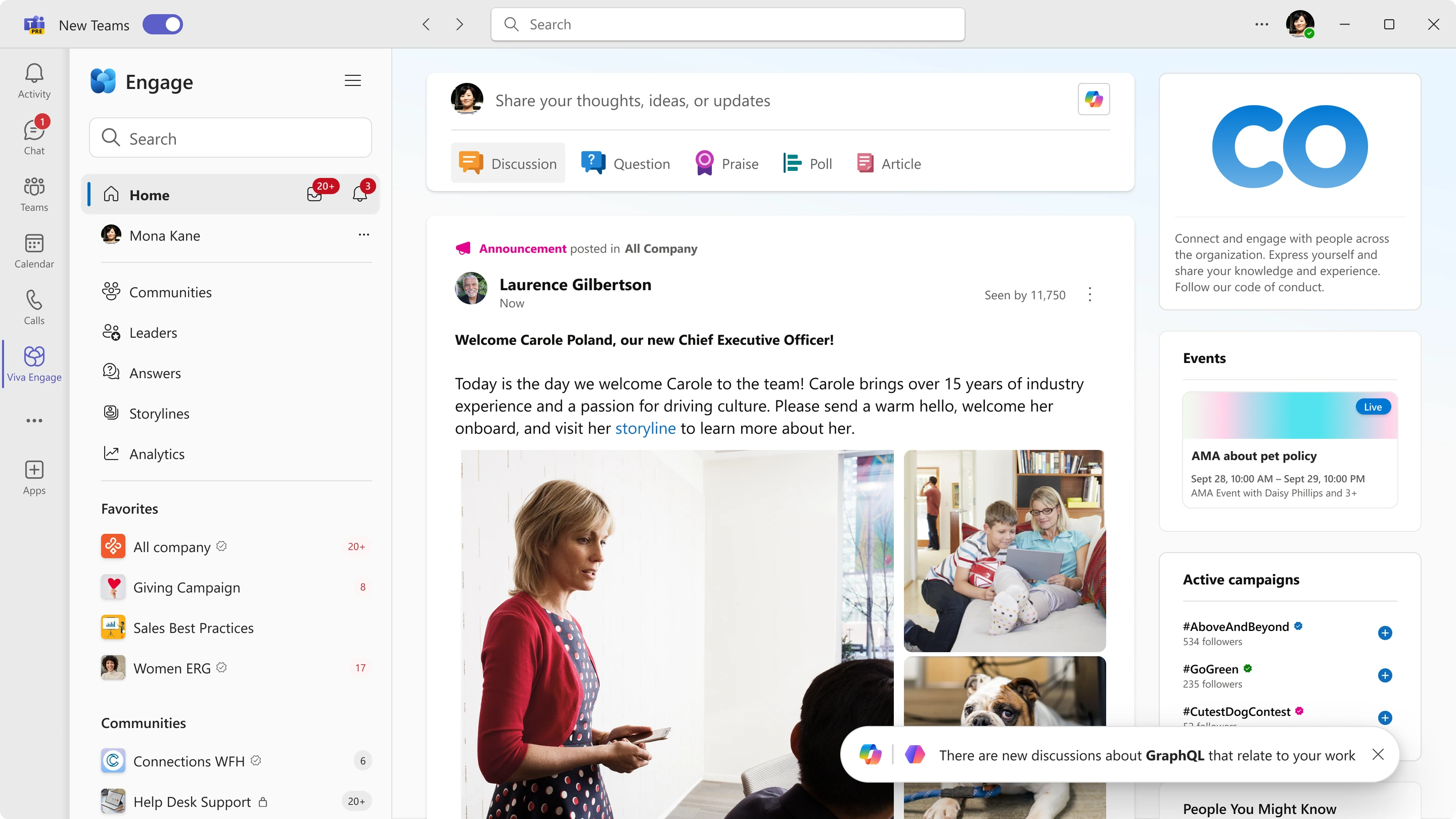
The second problem, siloed knowledge, called for a different approach. Catch Up summarizes what someone missed in their communities and links back to the original threads. It gives people a way into conversations they might otherwise never find.
From individual to community
Copilot helped individuals, but it did not address a recurring problem for communities: the same questions came up every month, and community managers (moderators, essentially) were growing weary answering to that redundancy.
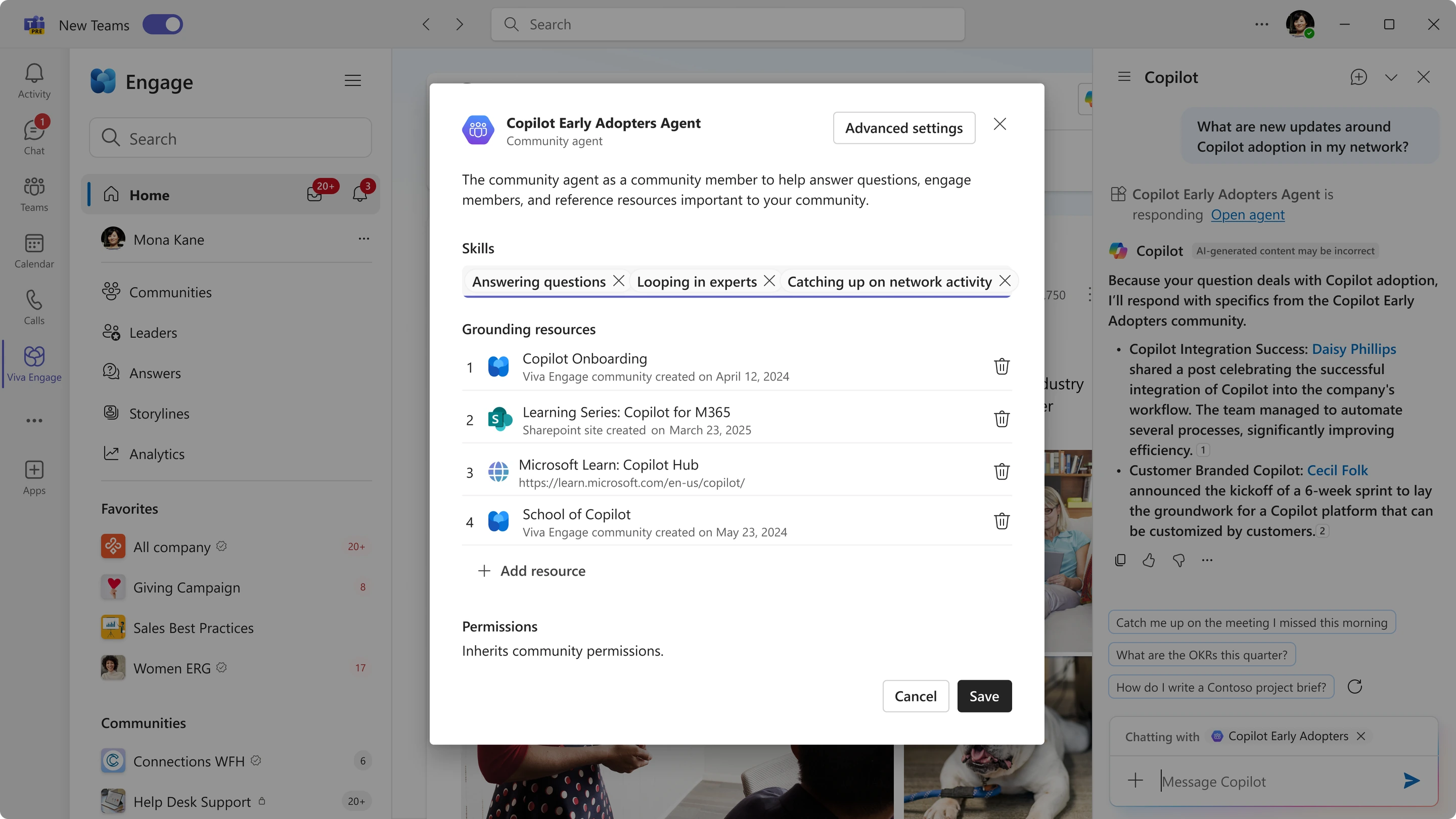
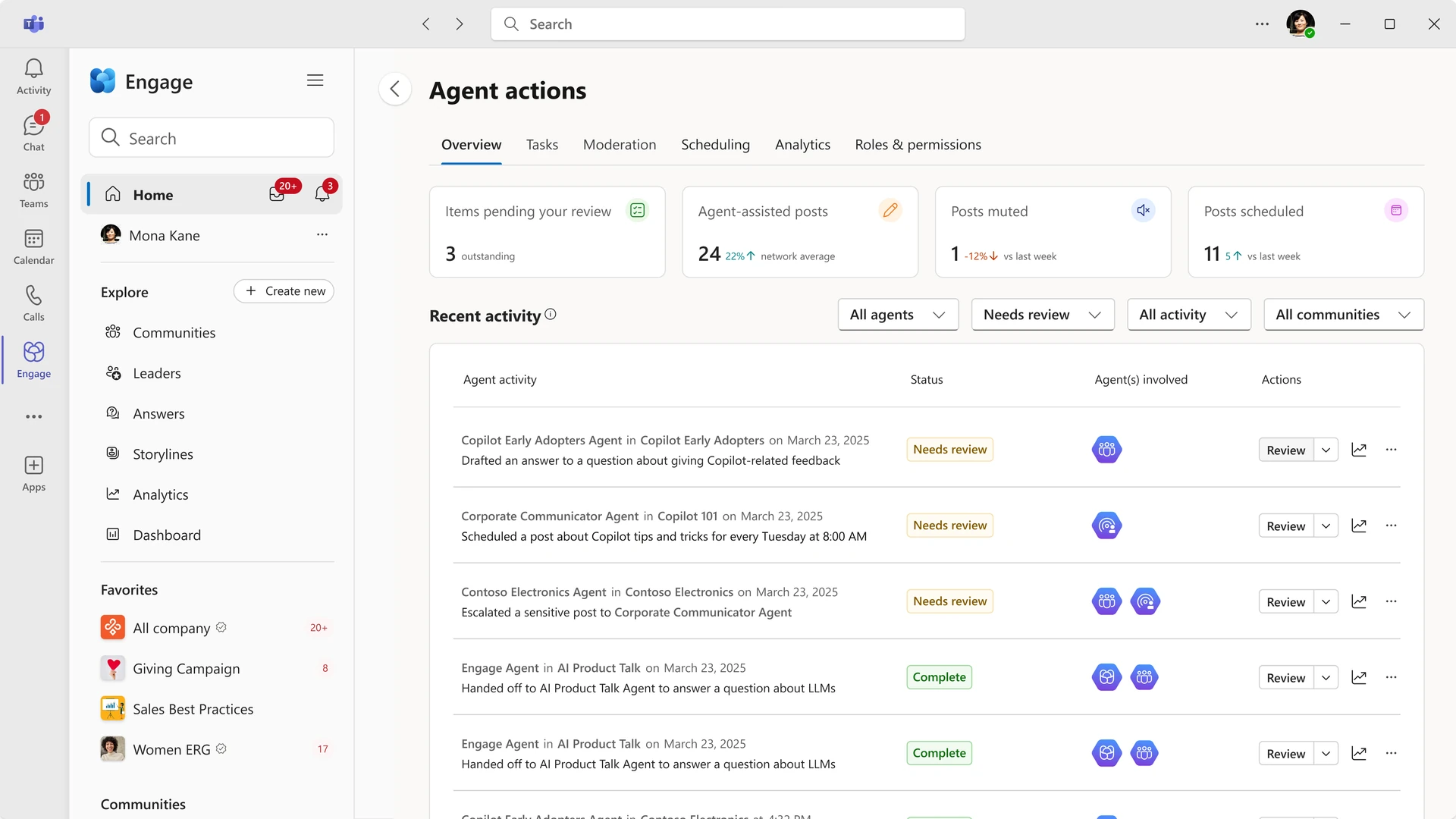
As a result, we were led to design an agent for individual communities. Each agent was scoped to a single community, named after it, and able to answer from that community’s own knowledge. Before designing it, I reviewed seven existing studies and ran feedback calls with enterprise customers, including a North American airline and a large home-improvement retailer. One finding critically shaped the design: participants hesitated to give the agent access to internal documents and wanted clear boundaries around what they could share with it. As a result, I put the decision-making into the user’s hands when it came to selecting knowledge sources for the agent.
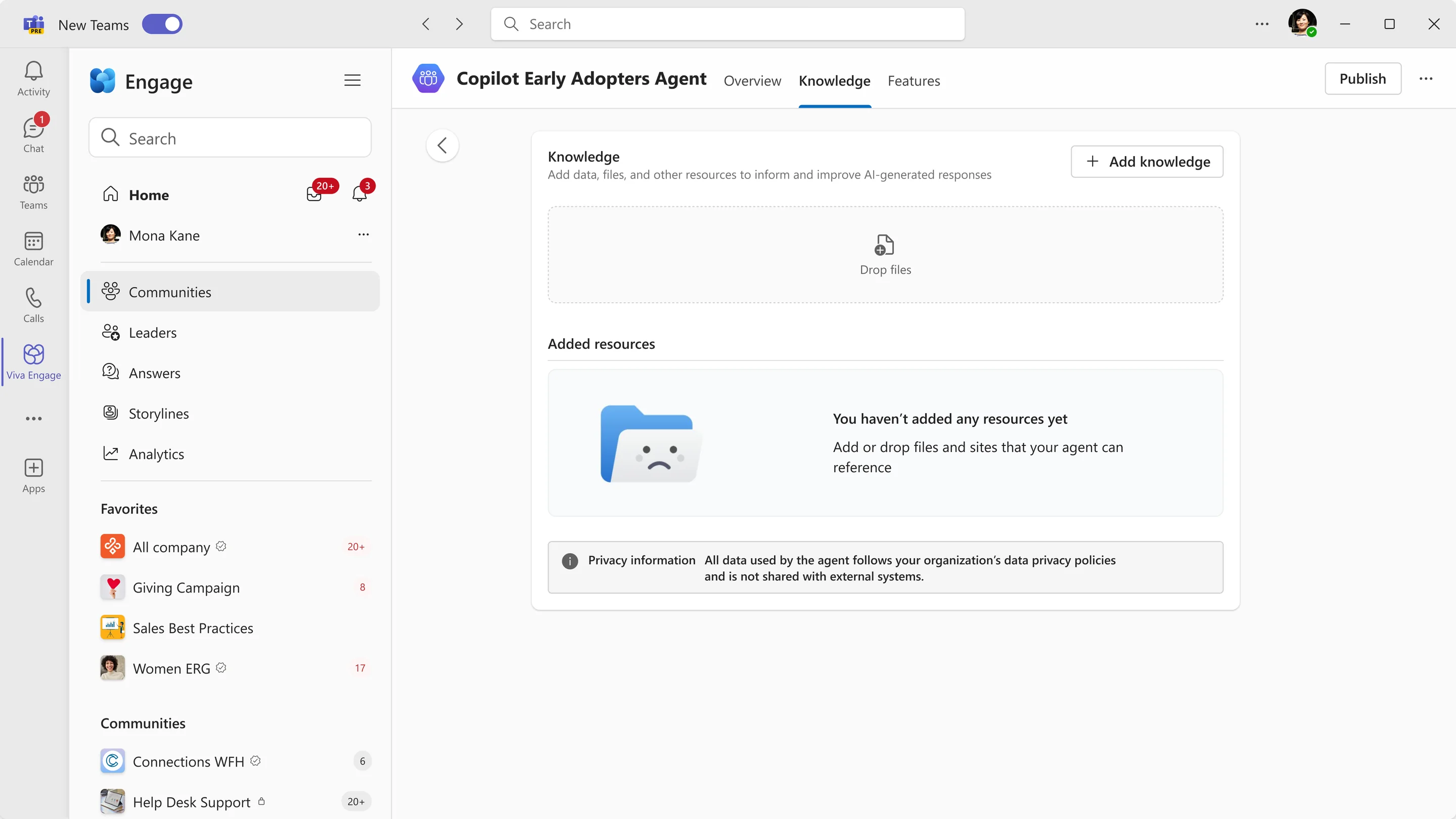
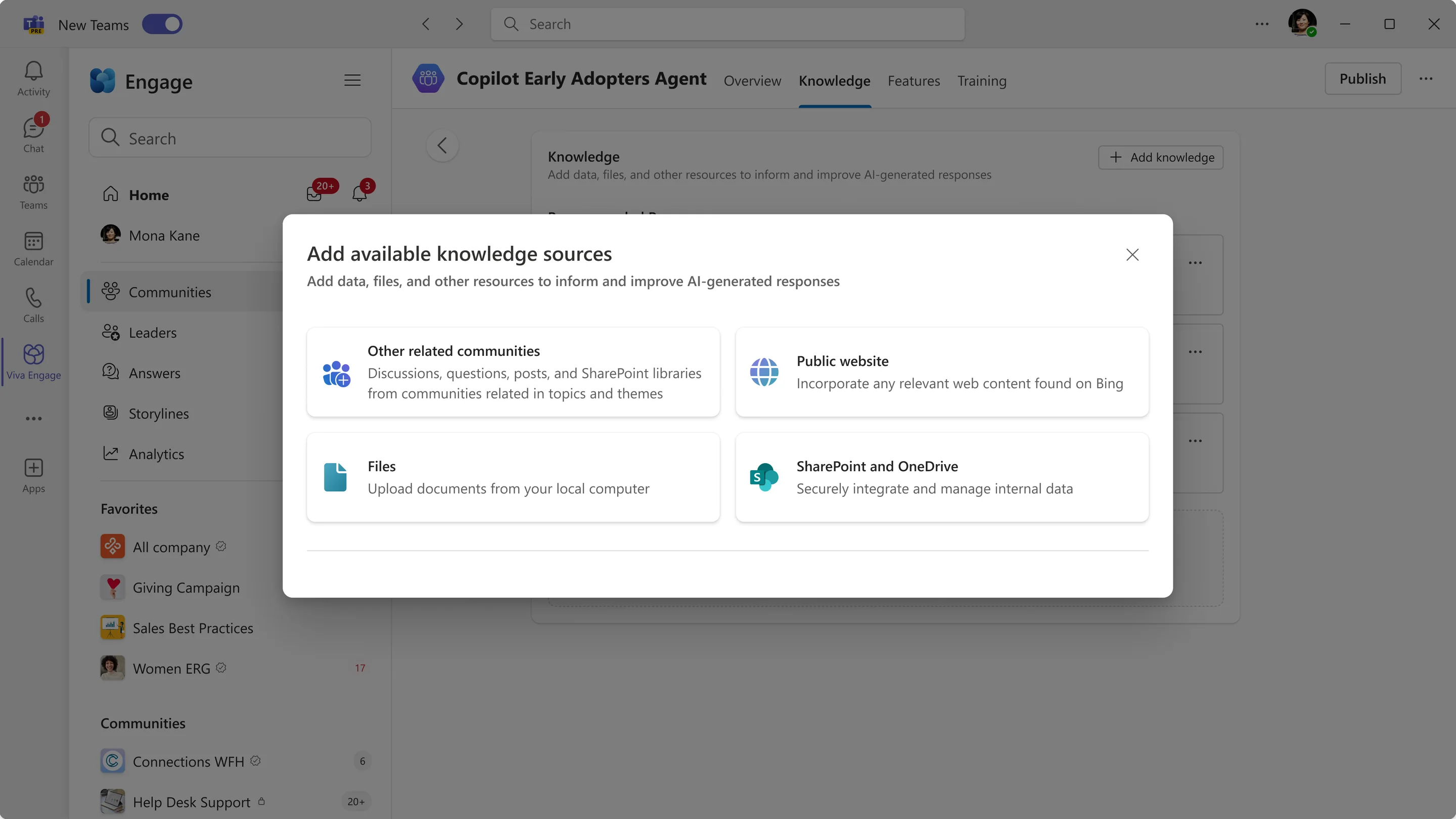
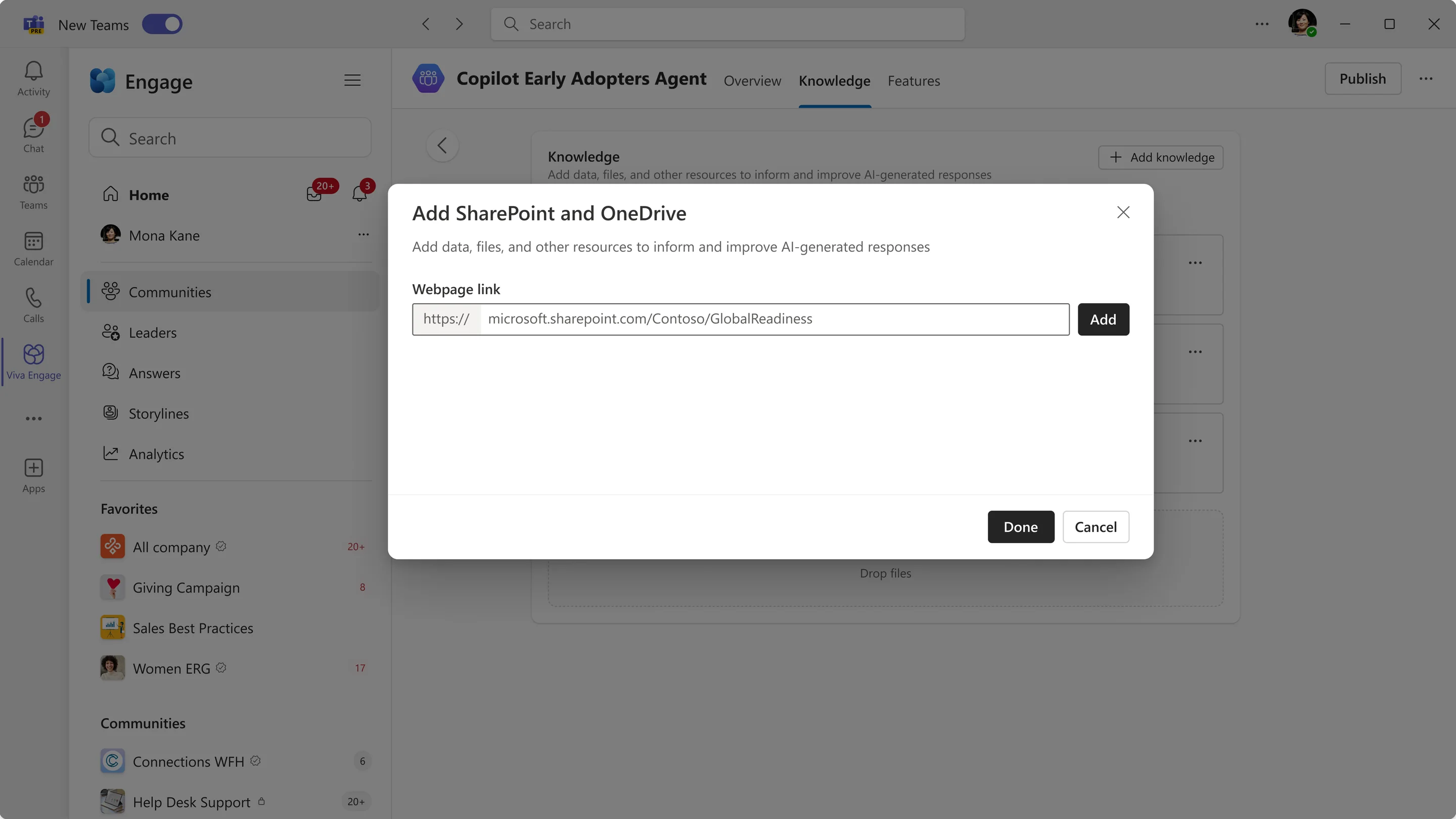
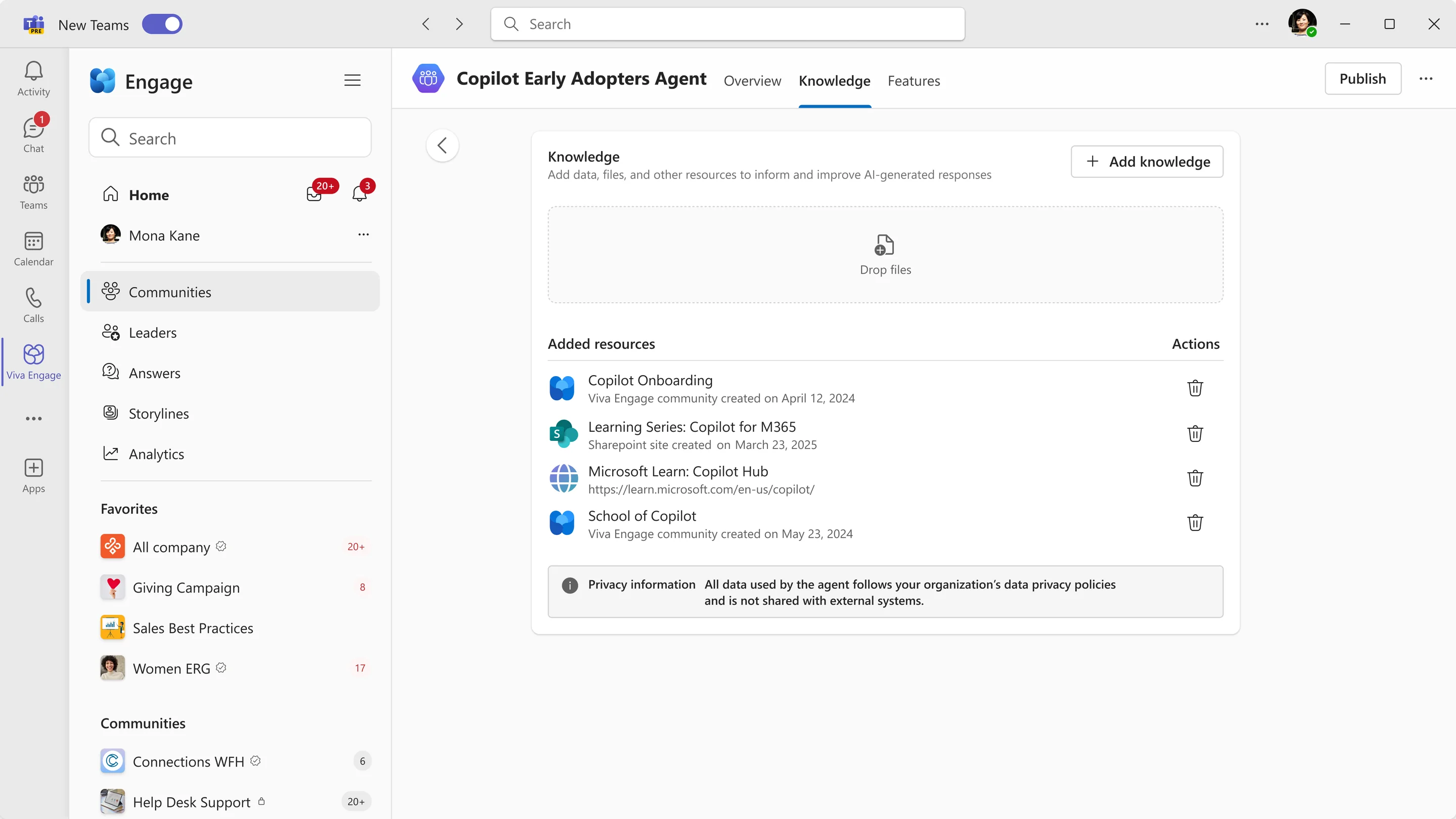
Furthermore, beyond just access, the principle of keeping humans in the loop raised another question: what should an agent be allowed to write? And should it be left on its own to do so? It became clear that human oversight was necessary, for review rather than just permission. The agent shows its reasoning and confidence, low-confidence answers wait for review, and community experts make the judgment call to accept them. In the background, a dashboard records what the agent did and why.
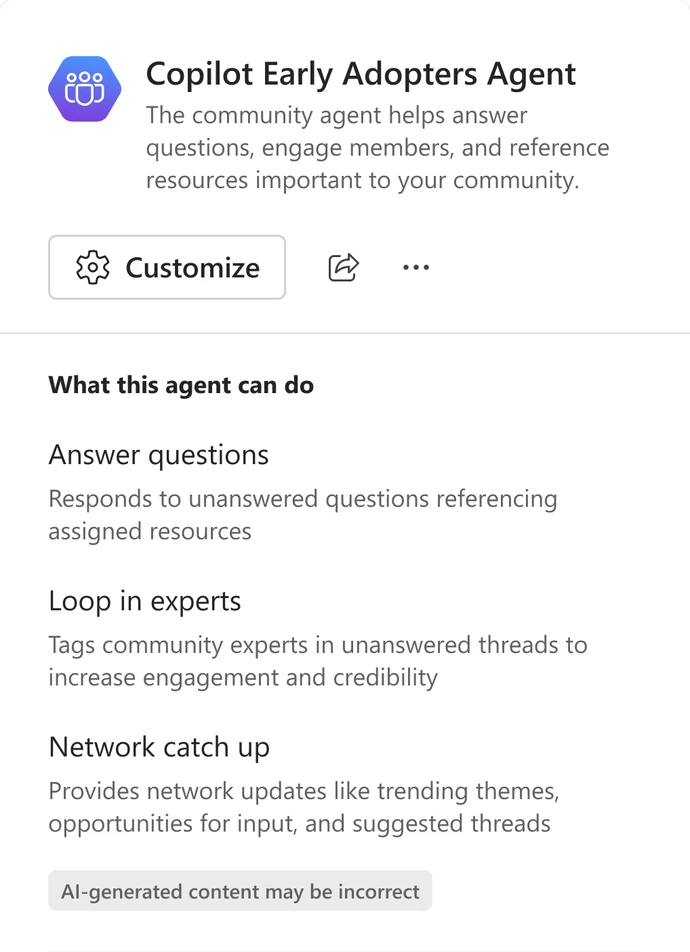
Hover over the agent for more info
One entry point to rule them all
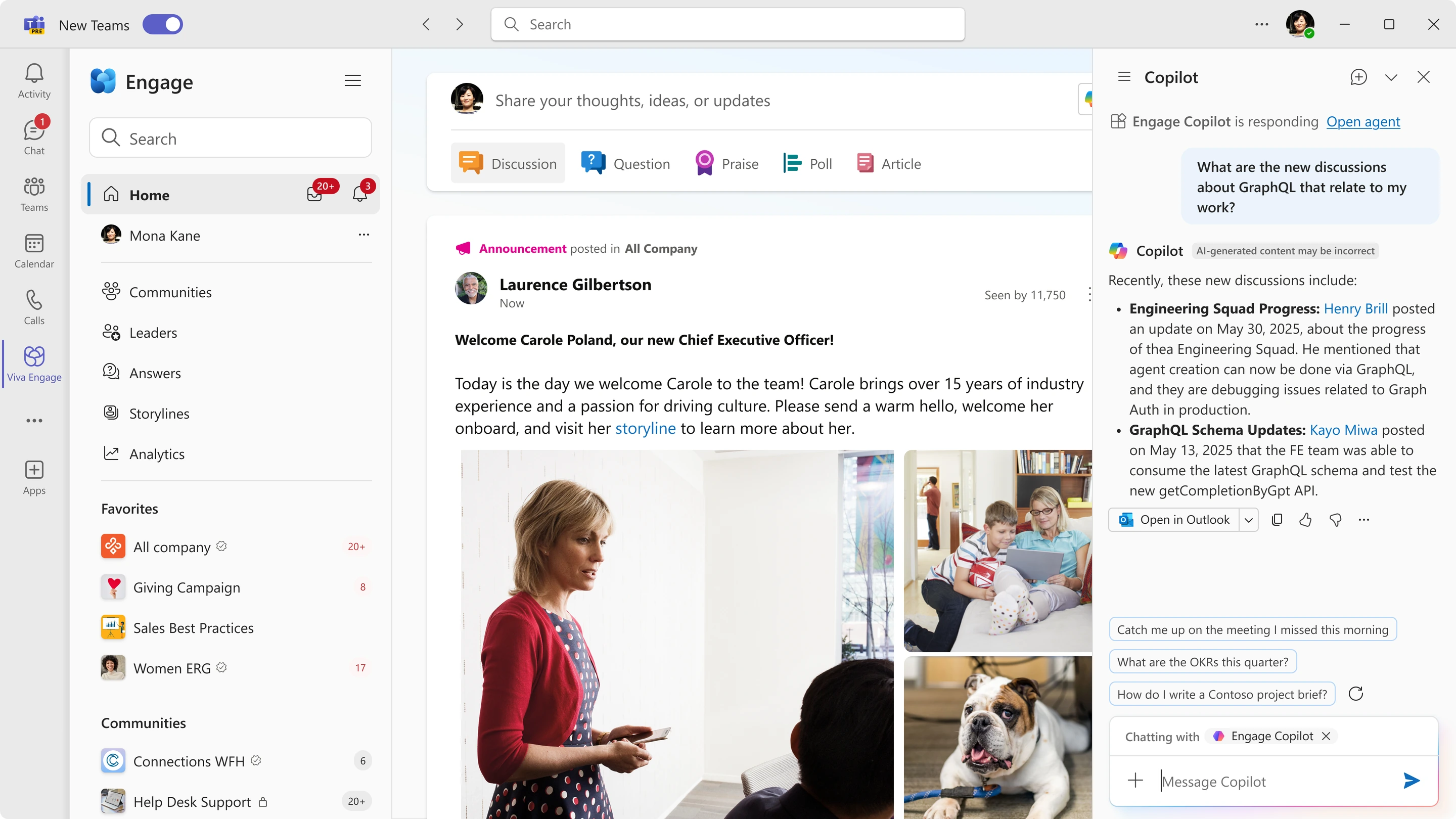
Two AI experiences had grown from the same problem statement, but from a user’s perspective they were two separate systems to learn. Copilot lived beside the composer, while the community agent lived inside a community. Neither had much overlap.
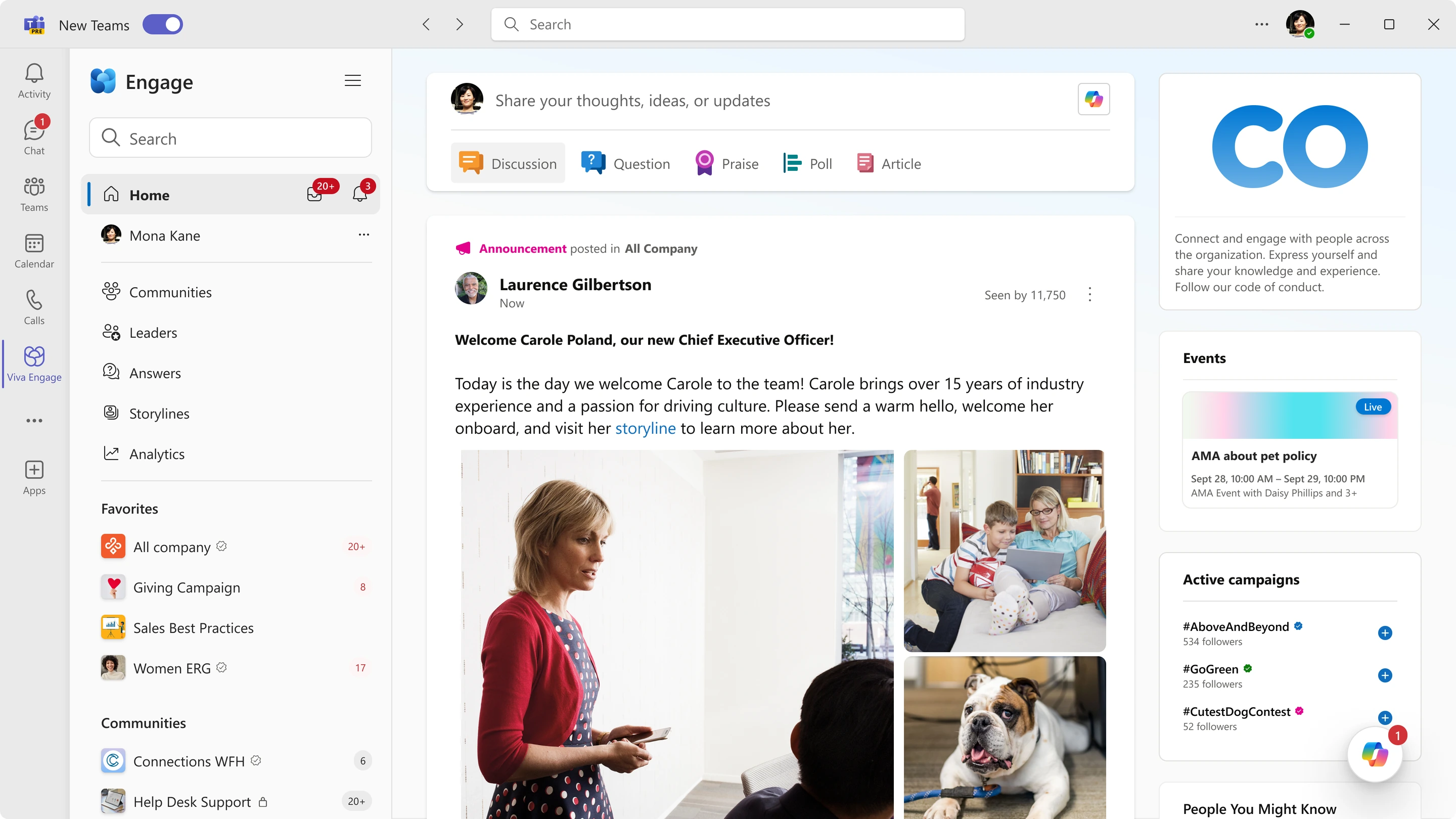
I set the longer-term direction of converging both experiences behind a single Copilot entry point on the home feed. A member could ask a question once and receive a high-confidence answer with citations, regardless of whether Copilot or a community agent provided it. When the question was better suited to a specific community, Copilot would provide a direct path to that agent. The foundational design principle was straightforward: people should not need to decipher which system produced an answer in order to evaluate it, trust it, and follow its sources.
Convincing the unconvinced
General availability in Viva Engage
I led design for Copilot through its general availability release in Viva Engage, including team dogfooding sessions, integration alignment with Teams, and a holistic inclusive design pass. We achieved a 59% conversion measurement of Copilot chats resulting in a platform-based action, like posting, commenting, or summarizing, with 23% of this number engaging meaningfully for the first time. In this way, we had managed to convince the unconvinced.
The community agent shipped after I left Microsoft, building upon the foundational framework I designed for the feature. Although I can’t speak to the specific results of the product, I can outline the success criteria I helped form, which included recurring-question load removed from named community managers (i.e. the number of high-confidence answers posted autonomously), review latency paired with answer acceptance, and a permission and label leakage gate.